Creating a relaxing home workspace can make a big difference in how productive and comfortable you feel throughout your workday. Whether you work remotely full-time or occasionally from home, your workspace should support focus, creativity, and well-being. This guide offers practical tips to help you design an environment where you can work efficiently while feeling relaxed.
Why a Relaxing Workspace Matters
When your work area feels cluttered or uncomfortable, it can cause distractions and stress. A well-organized and soothing space encourages concentration and reduces fatigue. Additionally, creating a designated workspace helps establish boundaries, signaling to your brain that it’s time to work.
Choosing the Right Location
Find a Quiet Spot
Select a space with minimal noise and foot traffic. This could be a spare room, a corner in your living room, or even a section of your bedroom away from distractions.
Consider Natural Light
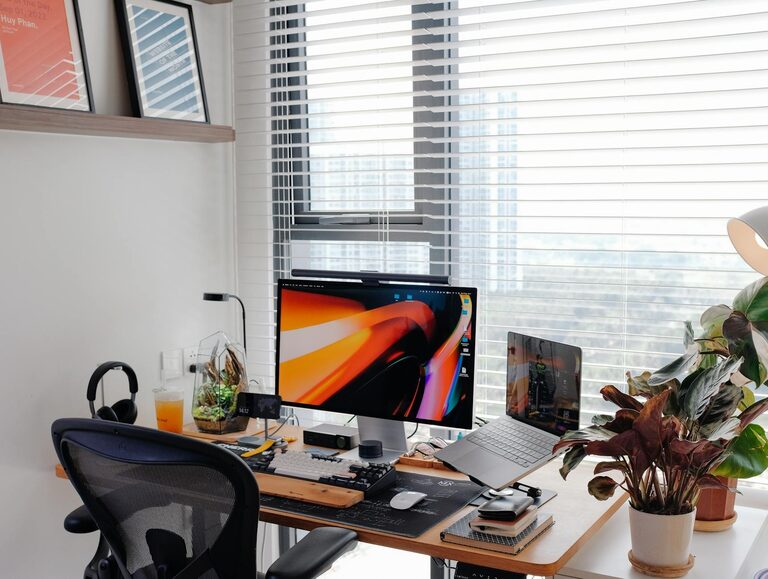
Natural light boosts mood and alertness. Position your desk near a window if possible, but avoid glare on your computer screen. If natural light is limited, invest in good-quality lighting that mimics daylight.
Ensure Good Ventilation
Fresh air can refresh your mind. Choose a room with windows that open or use an air purifier to keep the environment comfortable and clean.
Designing for Comfort
Ergonomic Furniture
Invest in a comfortable chair with good lumbar support and a desk at the right height. Proper ergonomics help prevent back and neck pain and improve posture.
Use Soothing Colors
Colors impact mood. Soft blues, greens, and neutral tones create a calming atmosphere. Avoid overly bright or distracting colors that might interfere with focus.
Add Personal Touches
Include items that inspire you, like plants, artwork, or photos. These not only personalize your space but can also boost your mood and motivation.
Organizing Your Workspace
Declutter Daily
A clean desk reduces stress. Make it a habit to tidy your workspace at the end of each day, putting away unnecessary items.
Use Storage Solutions
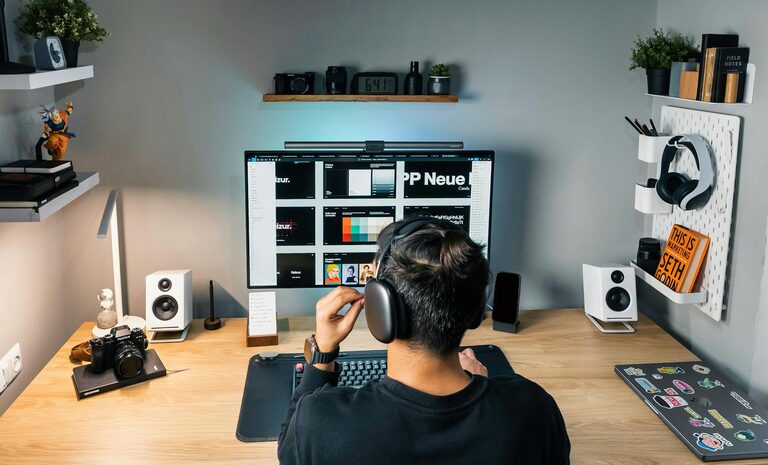
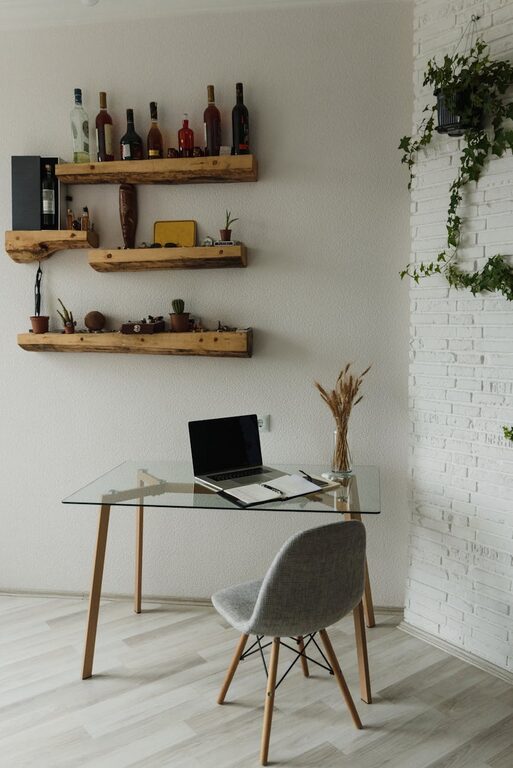
Utilize shelves, drawers, or organizers to keep supplies within reach but out of sight. This maintains a tidy and functional workspace.
Manage Cables Neatly
Cables can create visual clutter. Use clips or cable organizers to keep wires arranged and out of the way.
Incorporating Relaxation Elements
Soft Lighting Options
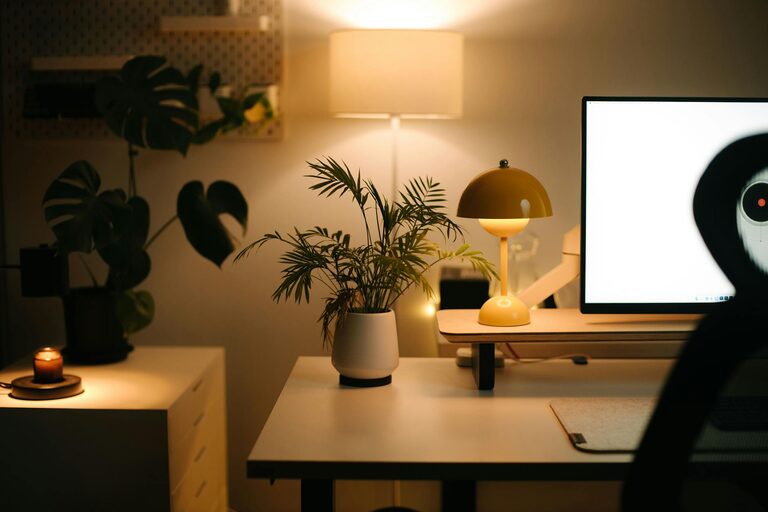
In addition to task lighting, consider lamps with adjustable brightness or warm light bulbs to create a cozy environment.
Comfortable Textiles
Add a cushion or a soft rug underfoot for extra comfort. Feeling physically comfortable helps keep your mind relaxed.
Background Sounds
Some people find soft background music or nature sounds helpful for concentration. Experiment to see if gentle audio improves your productivity.
Setting Boundaries and Routine
Define Work Hours
Set a schedule to start and end your workday. This helps maintain work-life balance and reduces burnout.
Use Visual Cues
When working, close the door or use a room divider to signal that you should not be disturbed.
Take Regular Breaks
Step away from your desk every hour for a few minutes to stretch or breathe. Short breaks improve focus when you return.
Technology Tips
Optimize Your Screen Setup
Position monitors at eye level to avoid neck strain. Use screen filters if needed to reduce glare and eye fatigue.
Manage Notifications
Disable non-essential alerts while working to keep distractions to a minimum.
Backup Important Files
Create a system for regular backups to avoid work disruptions and stay organized.
Final Thoughts
Designing a relaxing home workspace is an investment in your comfort and productivity. By choosing the right location, organizing thoughtfully, and adding elements that promote calm, you create an environment where work feels less like a chore and more like a purposeful activity. Remember to regularly adjust and personalize your space as your needs evolve. Small changes can lead to a big impact on your daily work experience.